 Amidol
Shoot it, get film back. Amidol is a film camera for iPhone, and it develops every photo on the phone.
Pick a film and take the picture. It lands in your library finished, with nothing left to edit.
12 MP Bayer RAW · 48 MP ProRAW · 7 films · 11 body colors
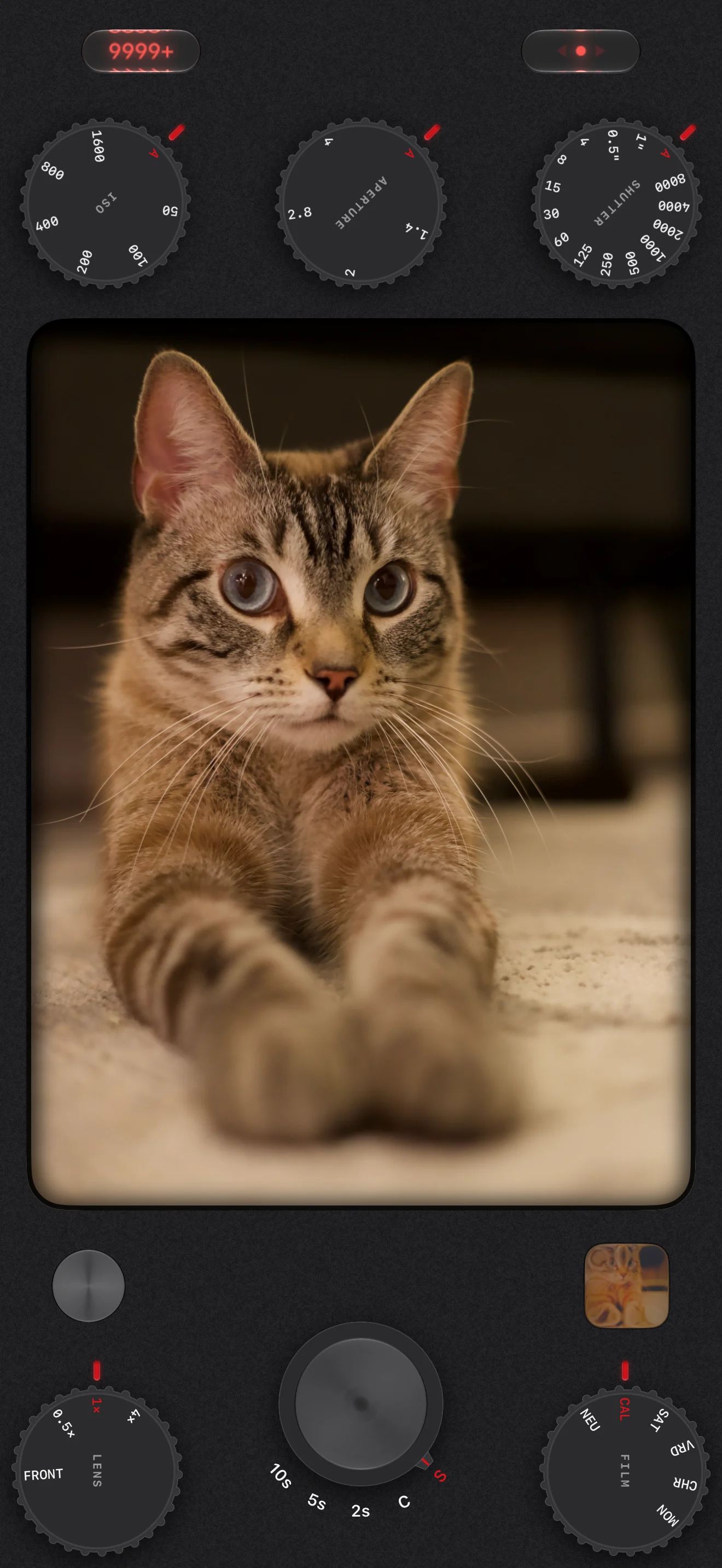

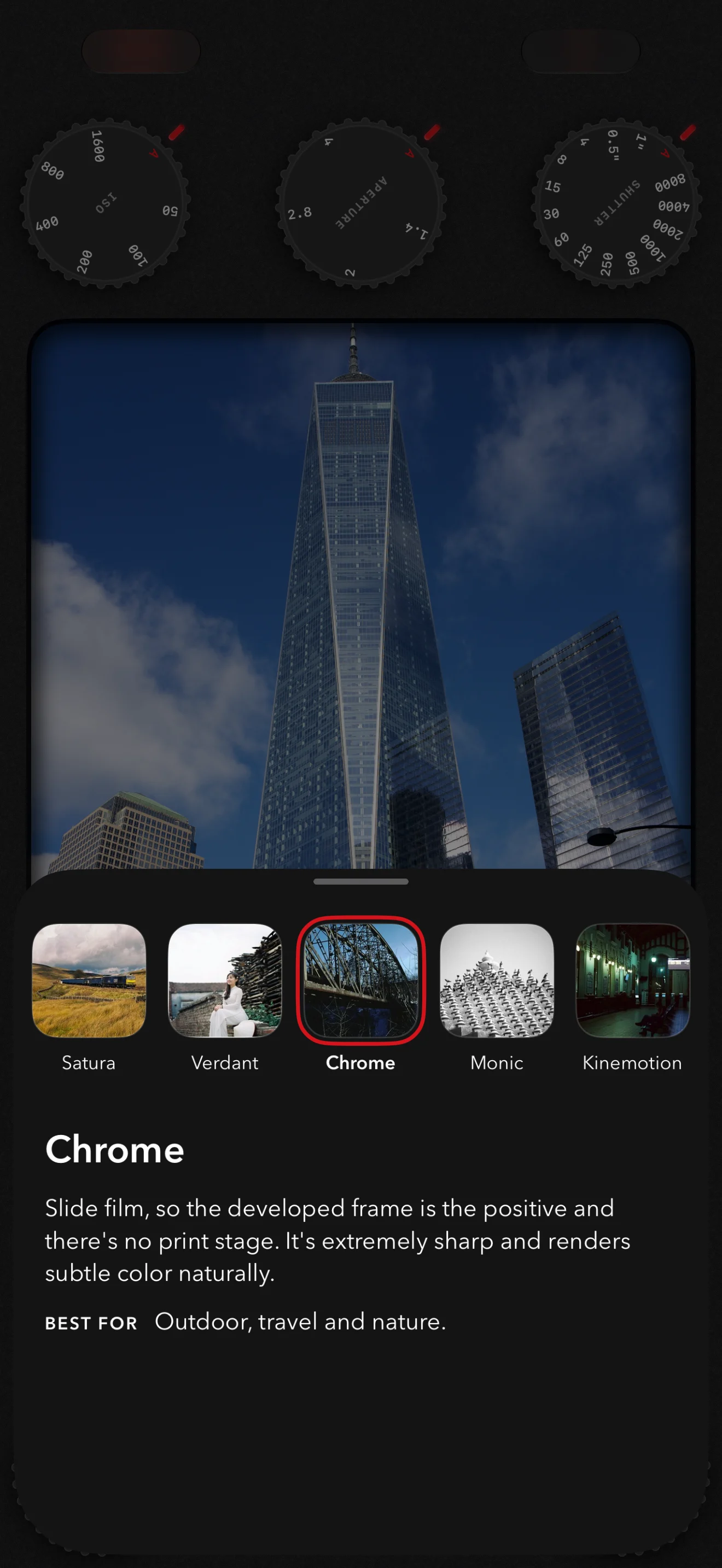
01Seven films, and Neutral.
Each stock is a measured film and paper pair, down to the dye layers. The picker says what each one is for.

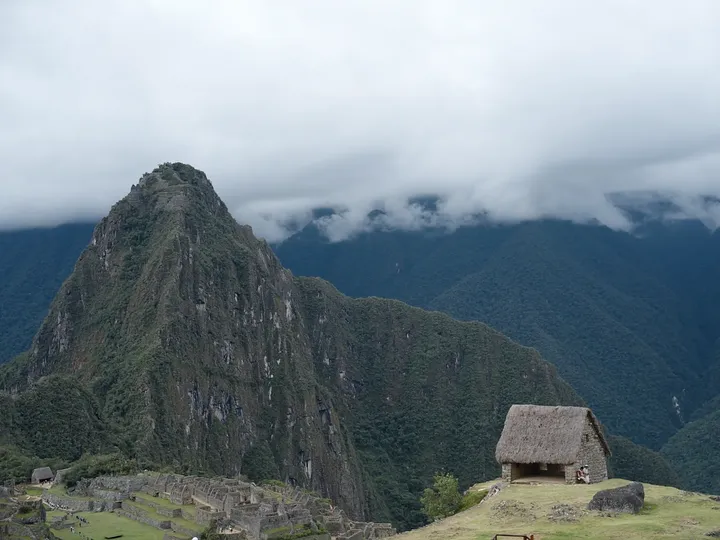

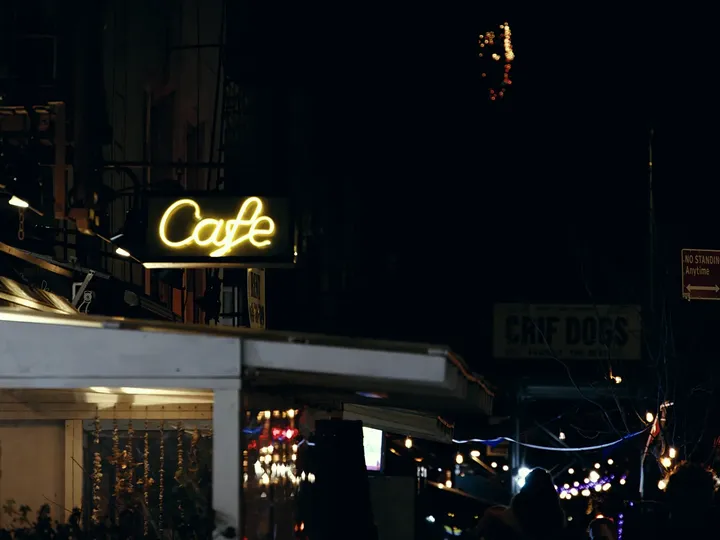
02I hate editing photos.
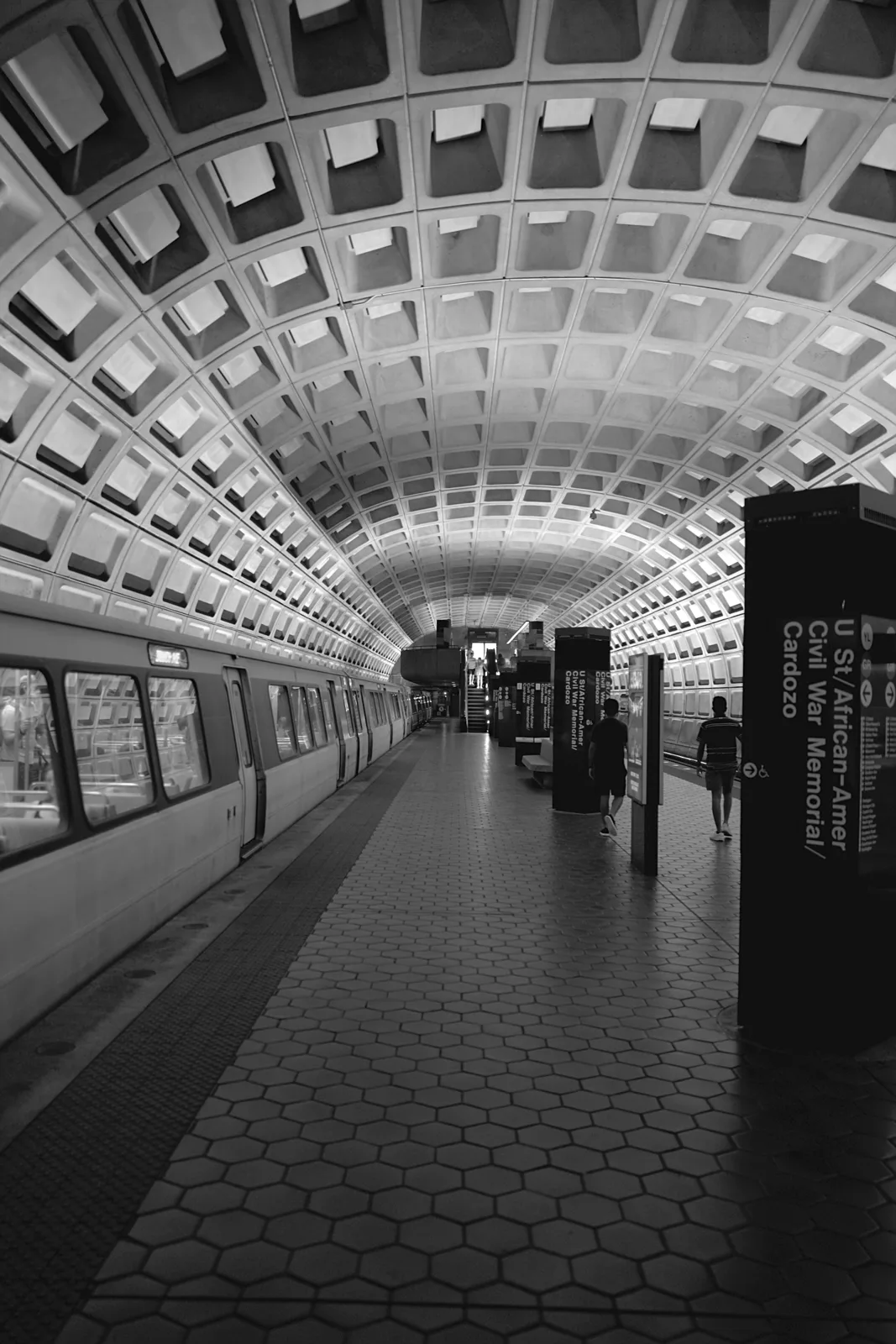
Film never needed it. The stock you loaded decided the color, and the lab's scan was the finished picture. Amidol works the same way.
The color comes out of a simulation of the film itself, written from scratch in Metal, with halation and grain modeled from current research. It runs as the photo saves, so you frame on a clean viewfinder.
Real film runs about a dollar a frame. I've shot over 100,000 photos on my Sony, so this was the only way I was ever going to shoot film. Developing at home works, just not in a New York apartment.
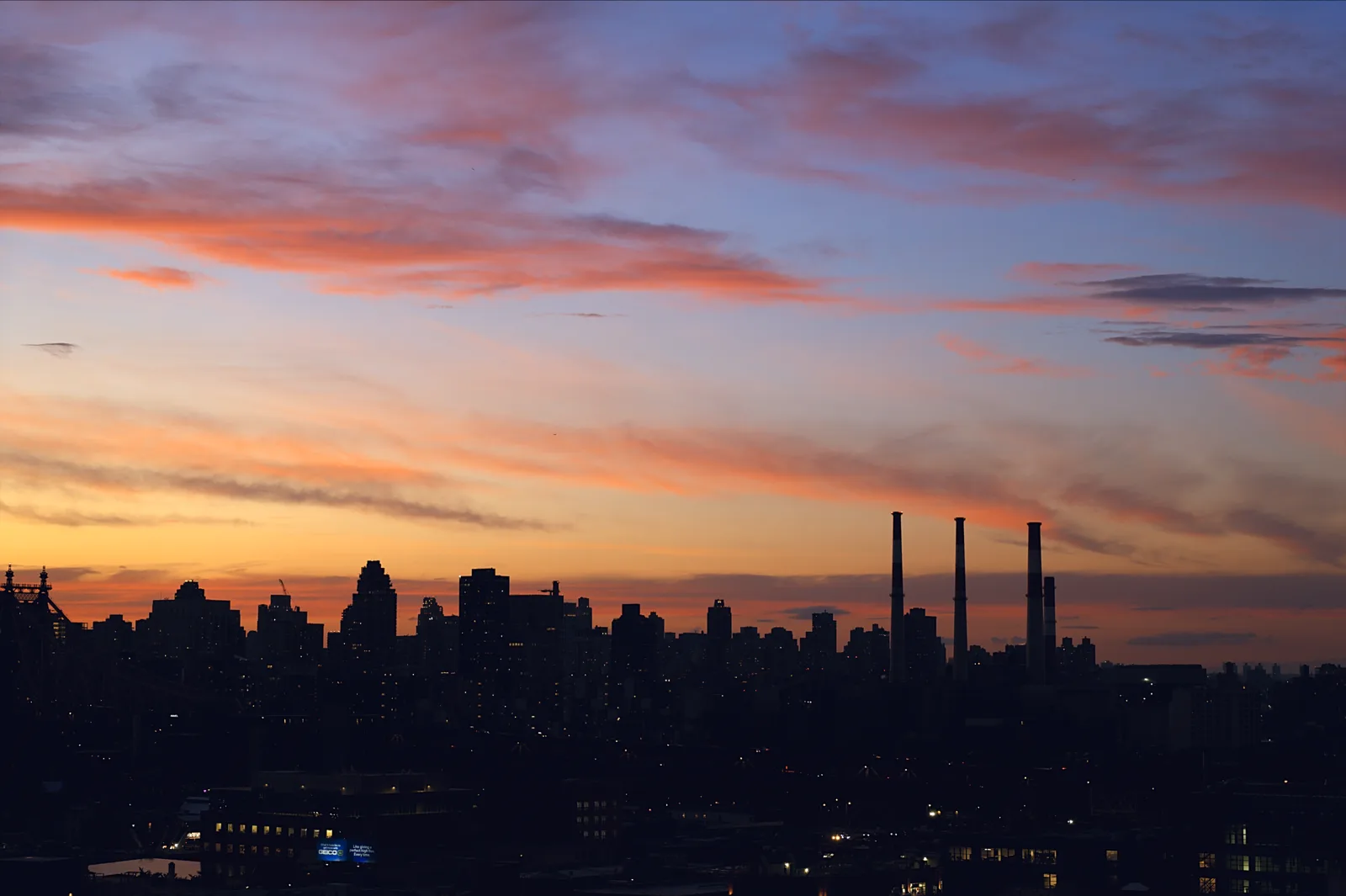
03One frame, straight off the sensor.
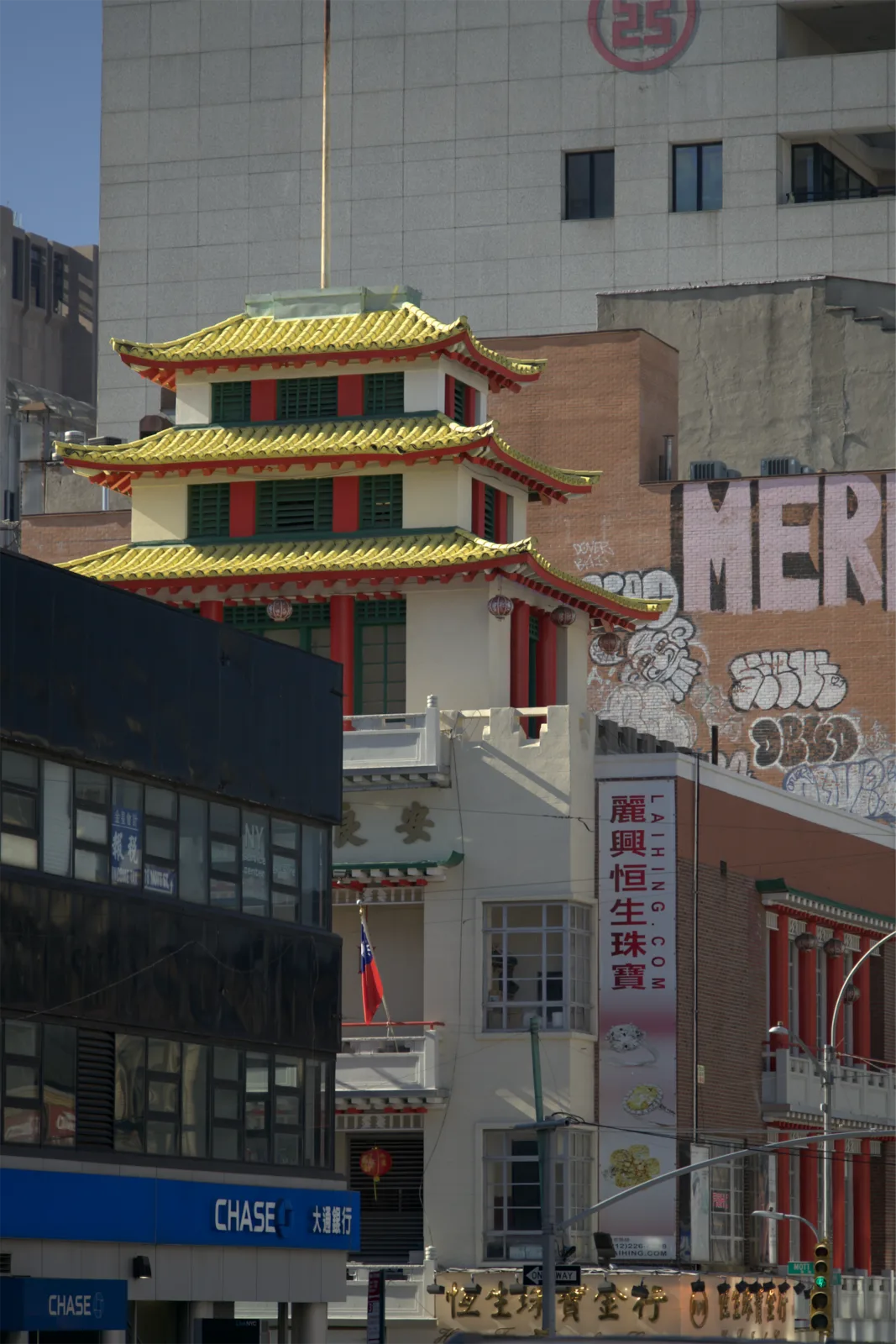
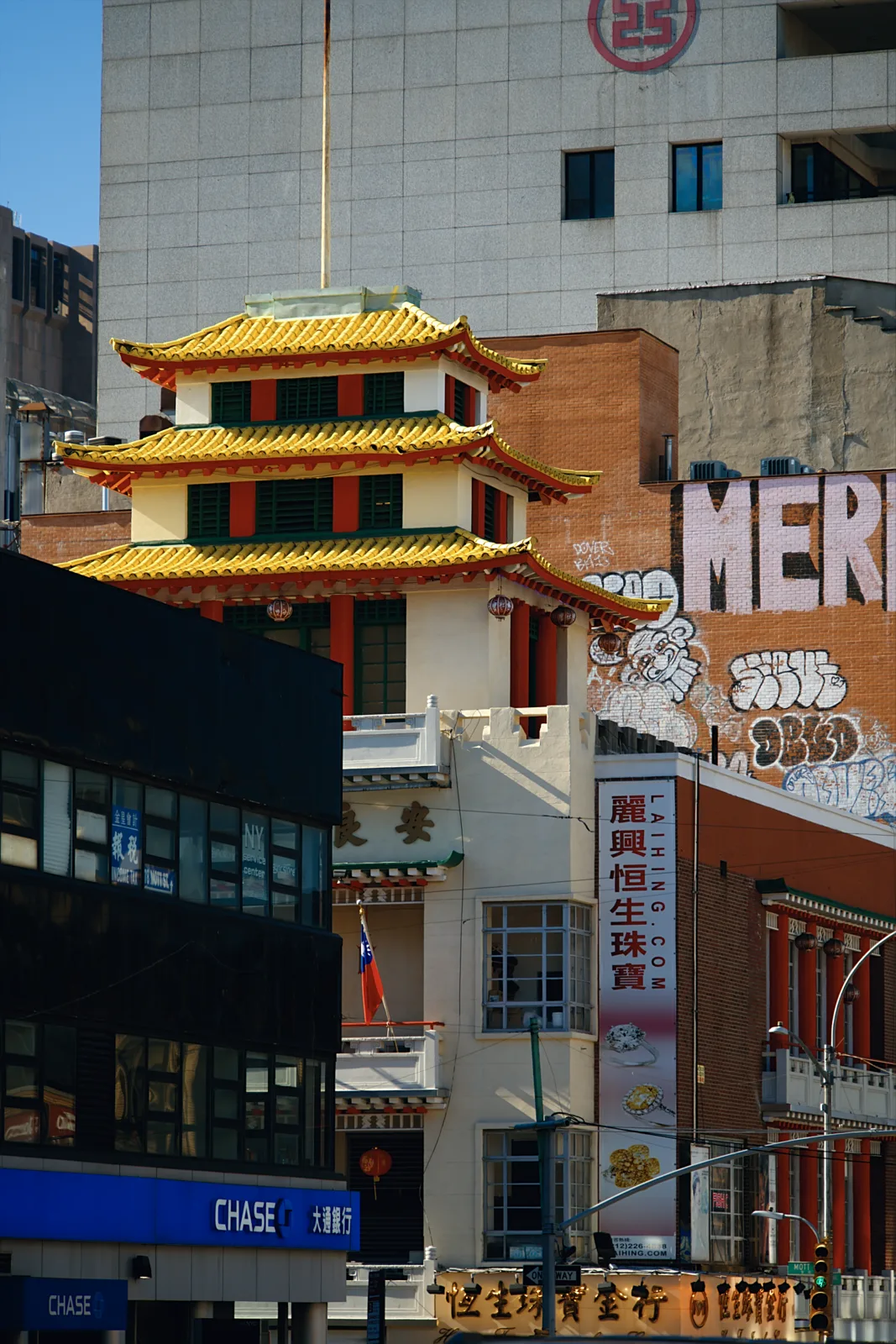
Your iPhone runs every photo through Apple's processing before you see it: several frames merged, noise smoothed away, edges sharpened back up. I don't like how that looks.
Amidol takes a single Bayer RAW frame and develops it with its own pipeline, tuned against my own hand-edited RAWs. Fine detail stays real, and contrast stays where the light put it.
- amidol
- one 12 MP Bayer RAW frame
- proraw
- 48 MP, for when you plan to crop
- develop
- on the phone, as the photo saves
- saves
- HEIC, plus the DNG if you want it
Keep the DNG and it stays paired with the photo, so you can print the negative again later.
On lenses without Bayer RAW, Amidol develops from a processed frame instead, so the film still carries over.
04Turn a dial. Take the picture.
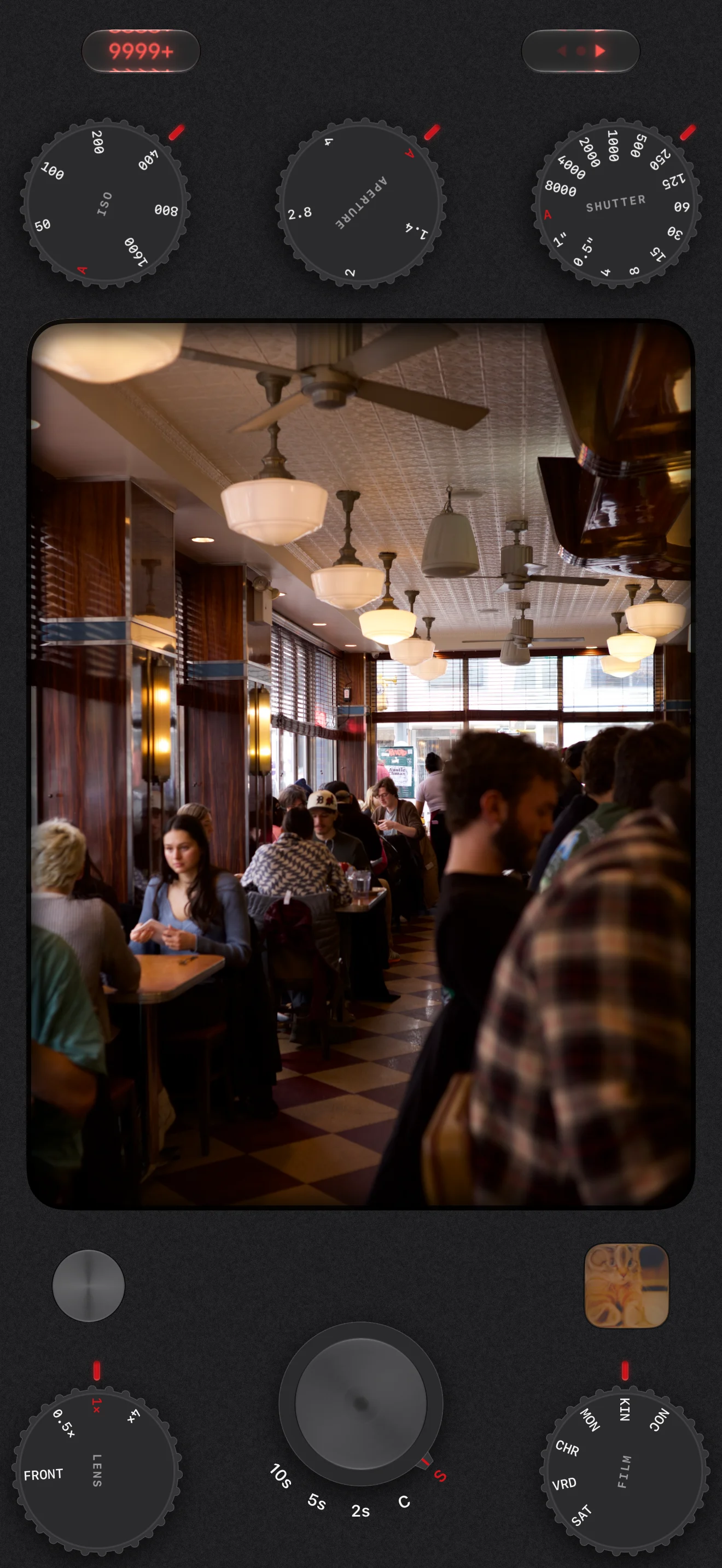
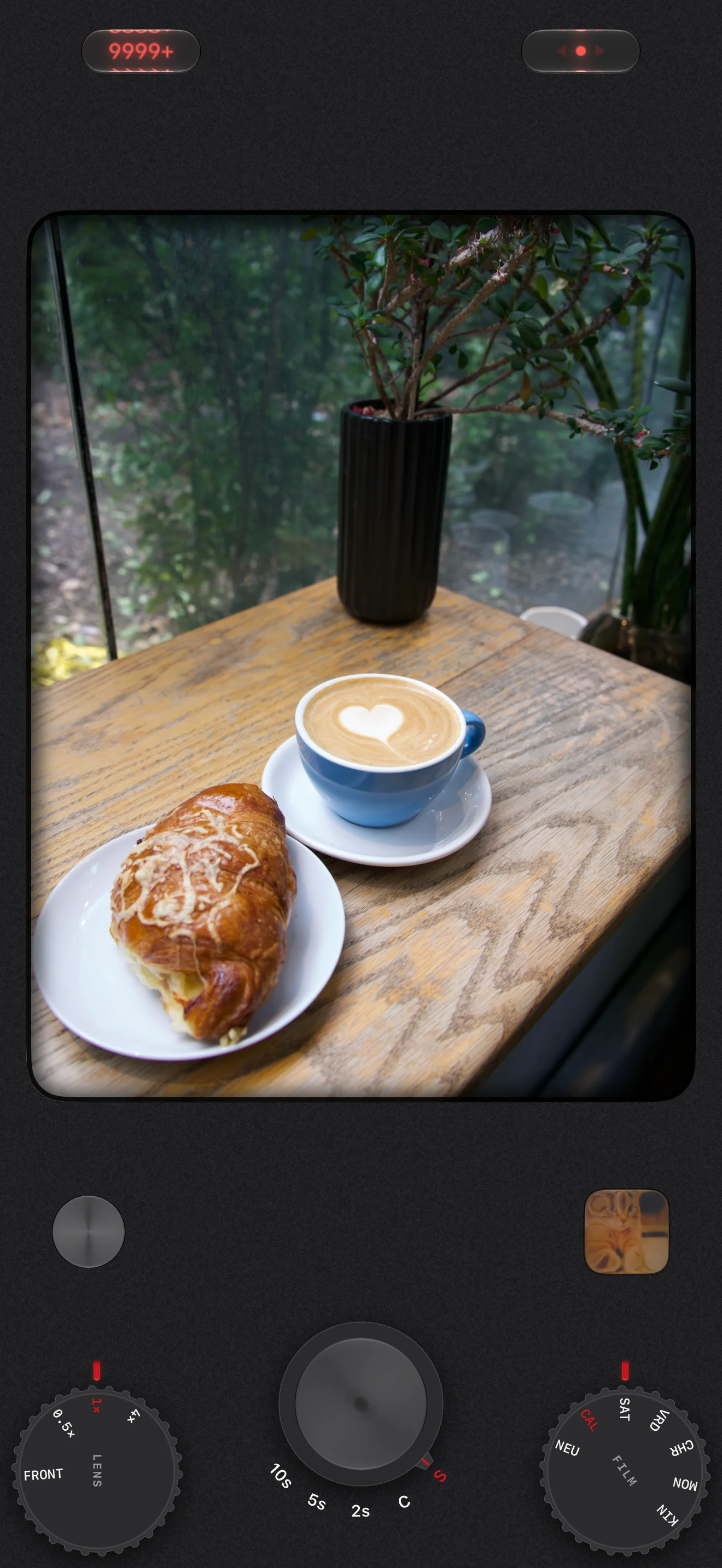
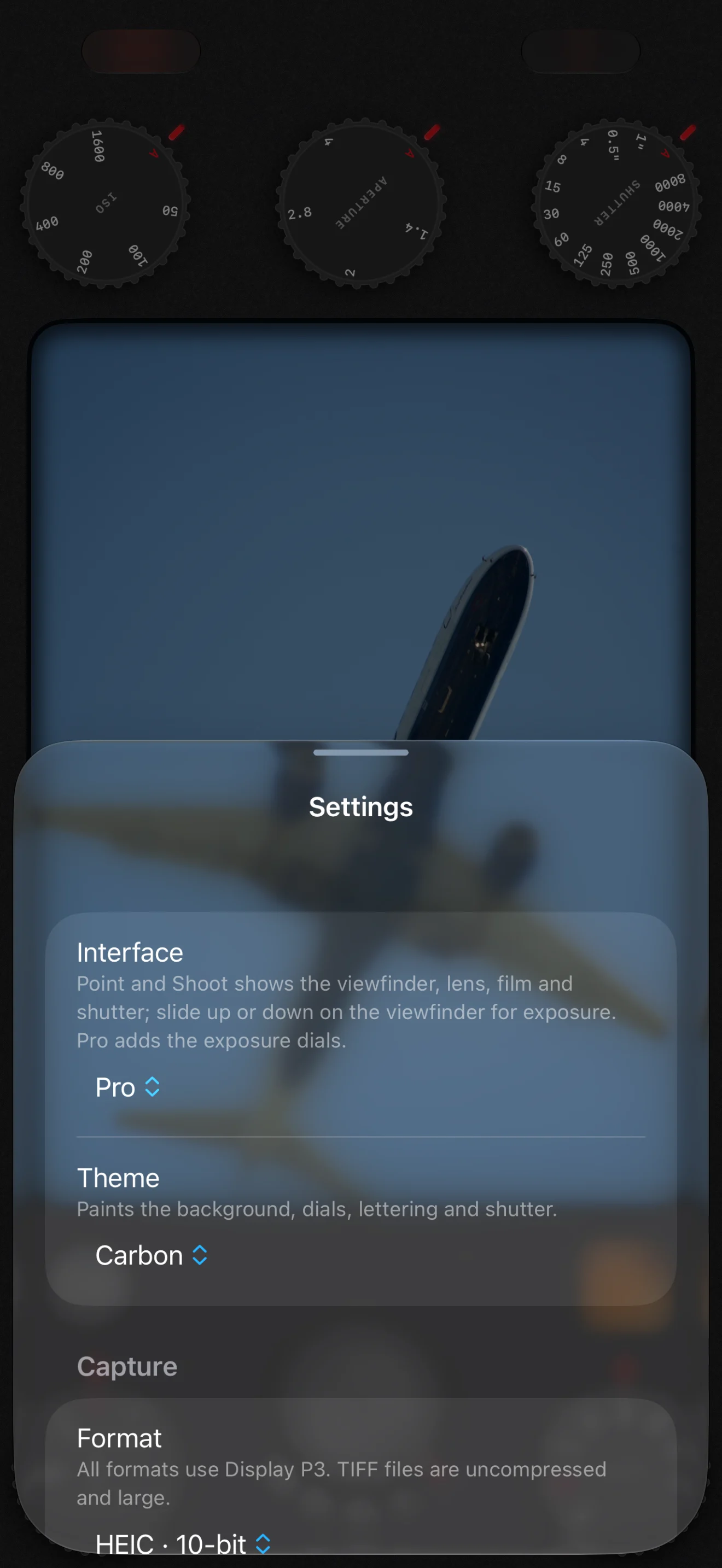
I like the physical dials on Leica, Fujifilm and Hasselblad cameras. They're good design for a reason, so Amidol takes them, shamelessly.
- ISO and shutter sit on A until you turn one.
- Lens and film sit next to the shutter.
- Simple keeps just those and the viewfinder. Pro brings the exposure dials back.
Eleven body colors, because a camera should be fun to pick up:
- AGraphite
- ACarbon
- ATarnish
- AIndigo
- ACrimson
- AMoss
- AOlive
- AGilt
- ASaddle
- AChrome
- AChalk
05The rest is there when you want it.
Each of these exists in some app. I never found one that had them all.
- level
- spirit vials for roll and pitch that light up when you're level, even pointed at the floor
- guides
- thirds, golden sections, golden triangle, XPan, frame lines, an SLR-style metering guide
- exposure
- one dial for priority, both for manual, EV on the viewfinder
- meter
- reads the RAW, calibrated to middle grey, watches the highlights
- lenses
- every lens and the front camera, by zoom or 35 mm focal length
- button
- Camera Control clicks through settings or slides through real EV stops
- lock screen
- shoot without unlocking; the photo develops once you do
- frames left
- a counter worked out from your free storage
06I could do all of this in post.
But there's something about taking the picture, knowing it's done, and moving on. That's what Amidol is for.
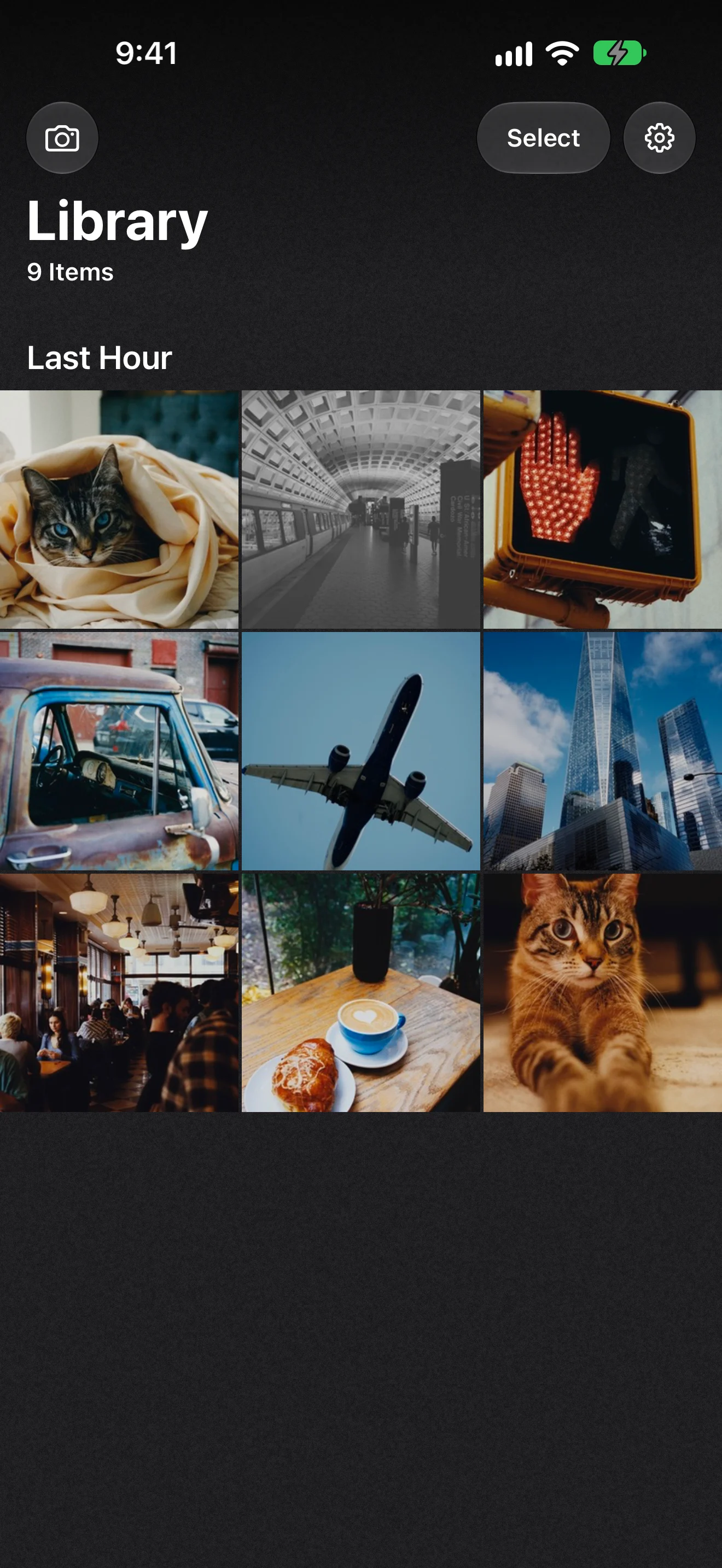
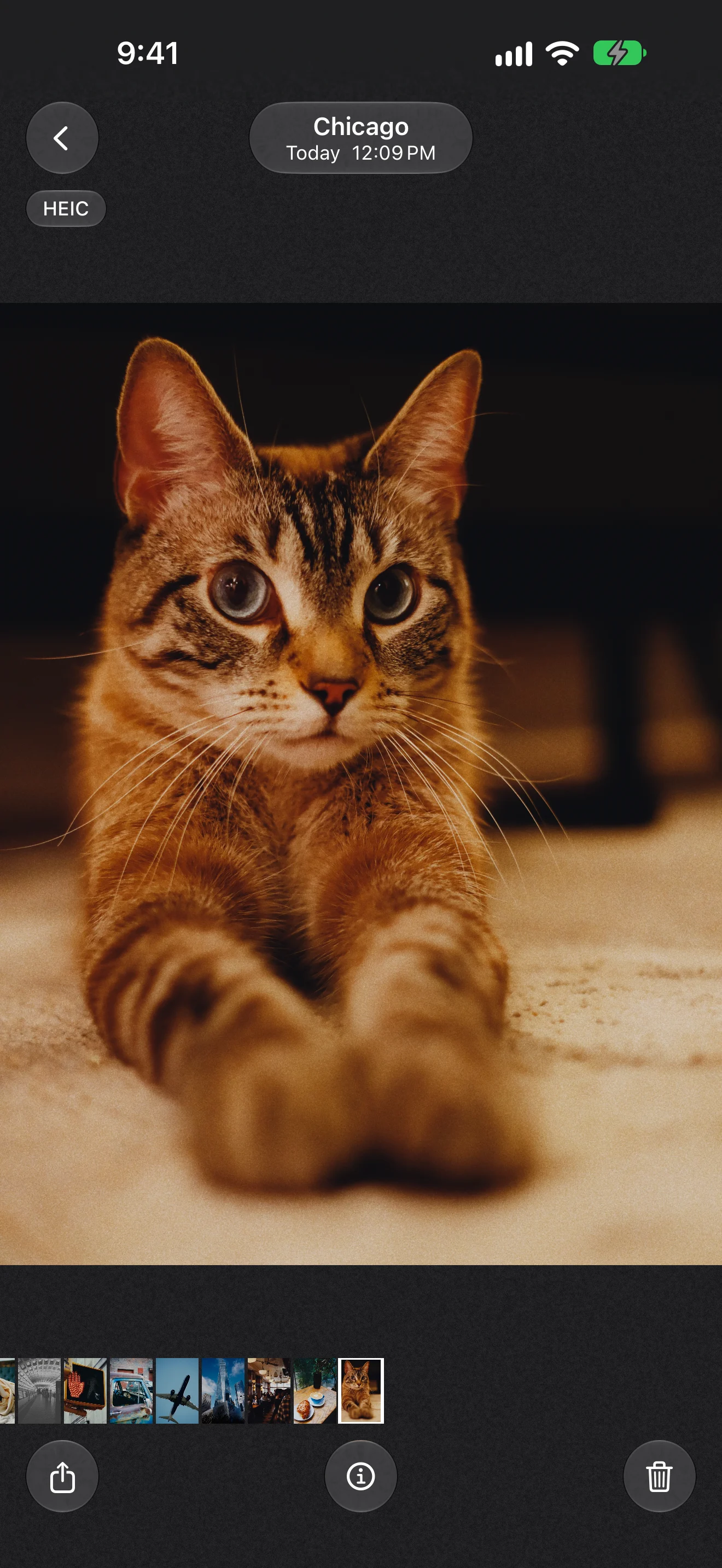
The library holds what you shot, developed. The viewer shows where, when and on what film.
07Amidol collects nothing.
It has no account or analytics, and there's no server for it to talk to. Your photos go from the sensor to your library and stay there.
If your library is in iCloud, iOS downloads originals for the viewer the same way Photos does. Read the privacy policy.
08Get Amidol.
It's free during the public beta, on TestFlight.
- runs on
- iPhone, iOS 27
- captures
- 12 MP Bayer RAW, 48 MP ProRAW
- films
- seven, plus Neutral
- saves
- HEIC to Photos, DNG if you want it
- network
- none
It's a beta, so things will break. Tell me what broke at admin@dws.rip, or take a screenshot in the app and send it through TestFlight.
 Free
beta